mayland.ai, the scaling platform for email marketing: on‑brand campaigns from one prompt in Claude or Codex
Imagine your email campaigndone in a single message.
Today
This is how an email gets made today.
A pile of manual work.For every single email.
Dig up the brief
By handCut out product photos
By hand
Lay it out in Figma
By hand
Copy prices from the shop
By hand
Ask ChatGPT for copy
By handWrite subject and preheader
By handSet up every language
By handCollect feedback by screenshot
By handRebuild it in the email tool
By handCheck every link
By handSend a test email
By handPray Outlook won't break it
Headache includedAnd with AI?
So you ask an AI.
You get stock blocks back.
Everyone on the team has a different version.
And the rest is still done by hand.

How mayland.ai works
So we layer your brand on top of the AI.
You write in Claude.mayland.ai builds the email.
- mayland.ai
- Photo style
- Voice
- Your best emails
- Products
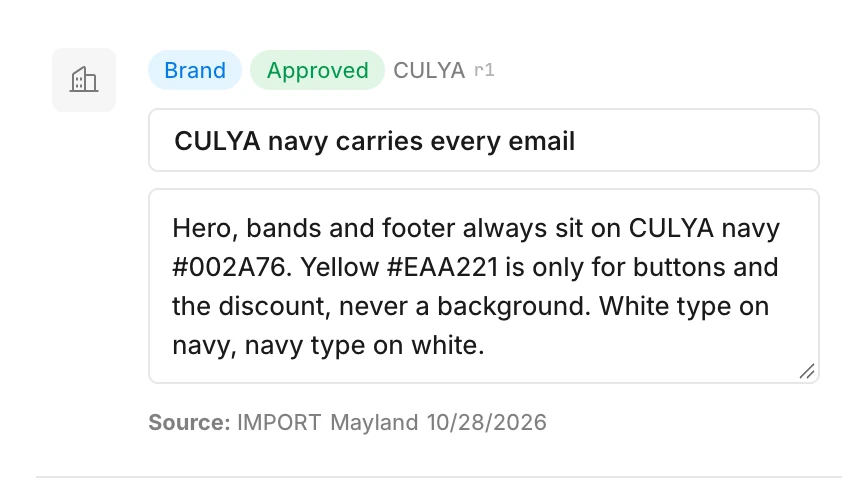
- Brand kit
- Claude or Codex
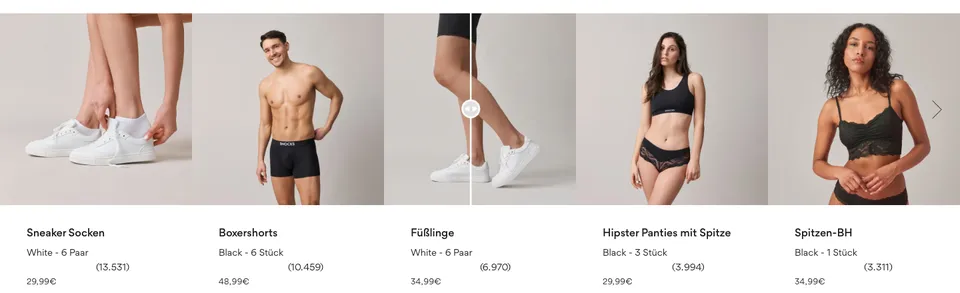
Claudemayland.ai connectedReading the brand kit of snocks.com
Loading products and prices from Shopify
Building five emails on the board
Checking every email on a phone and in the inbox
Done. Five emails are on your board, waiting for your approval.
01Brand kit
First, mayland.ai learns your brand.
Straight from your website.
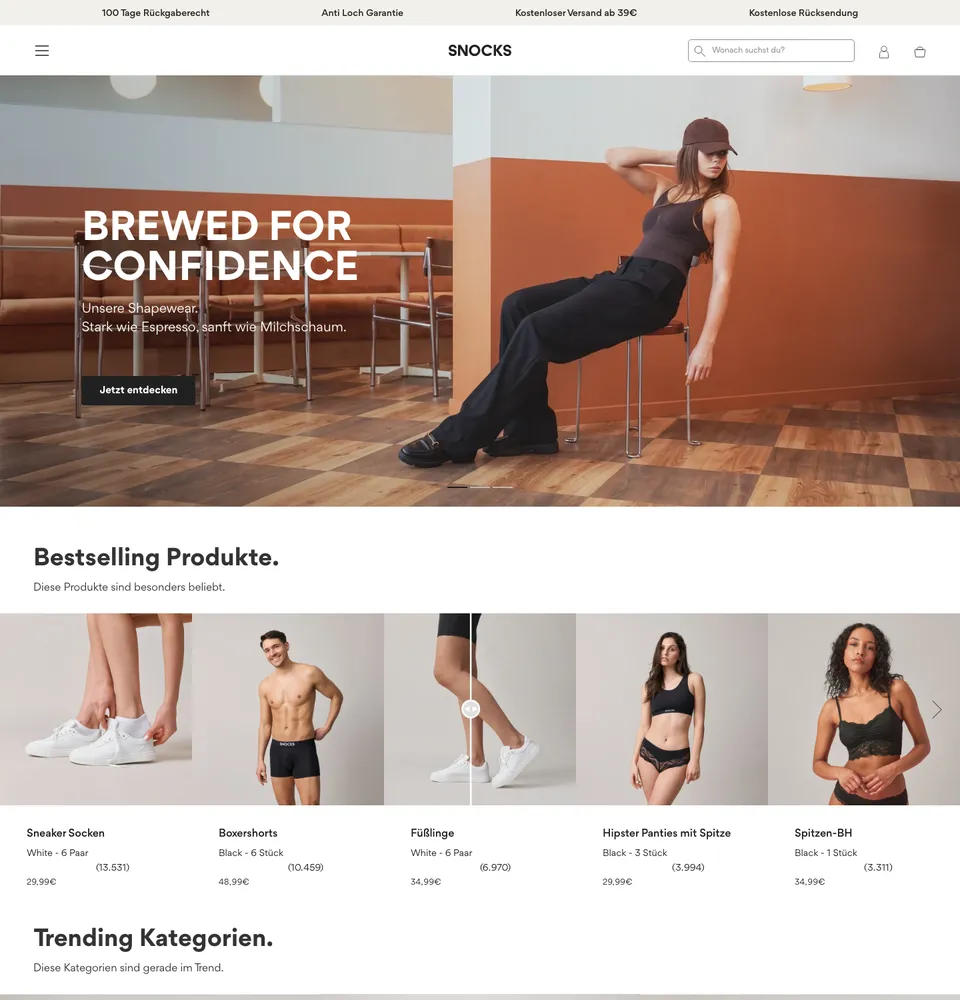
Brand kitReady




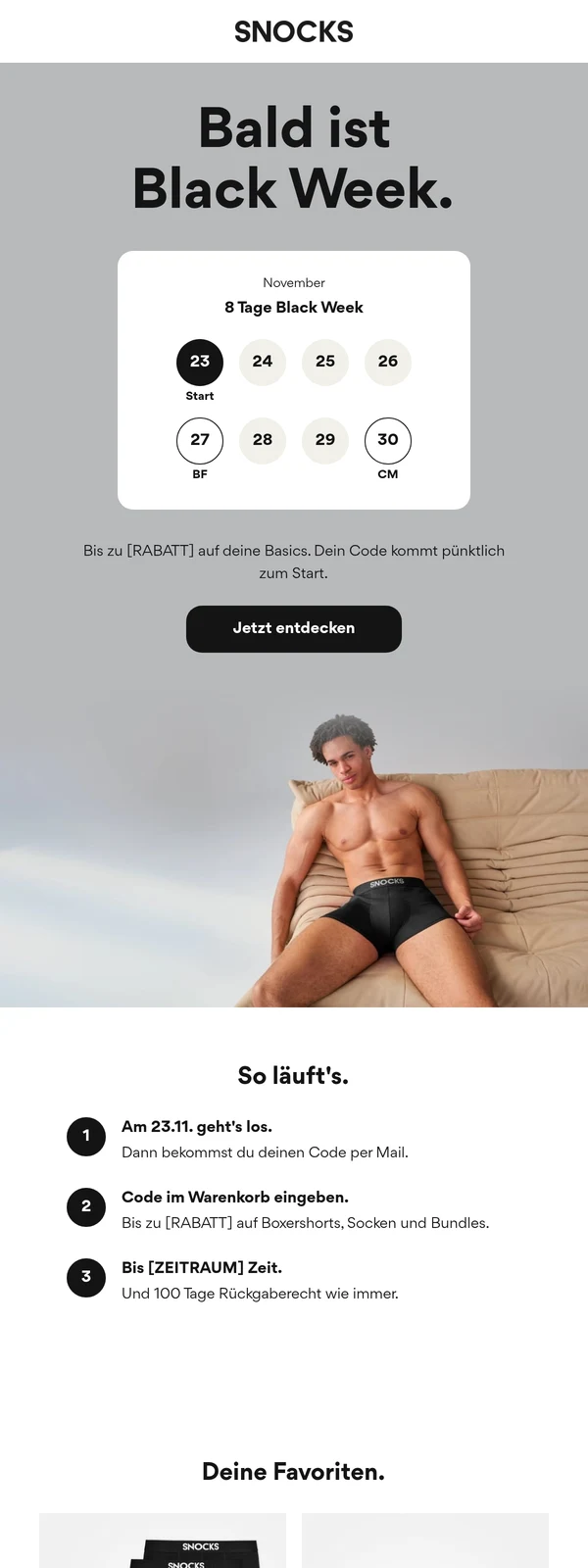
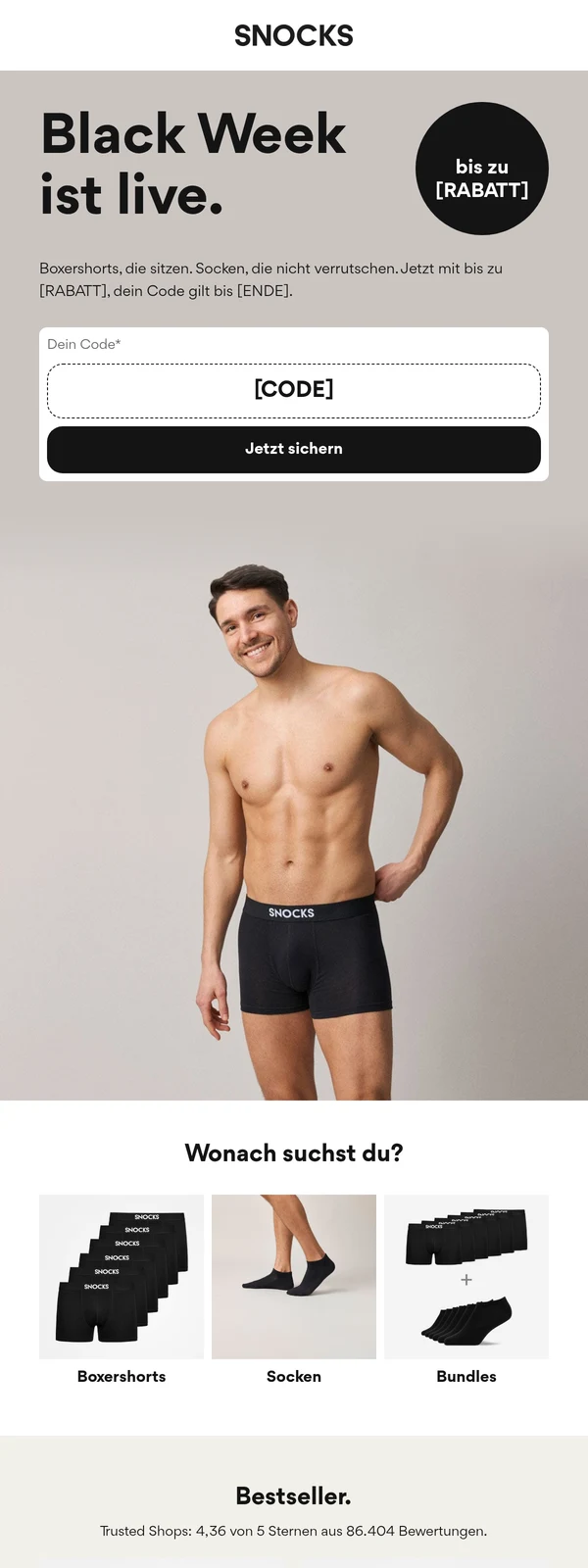
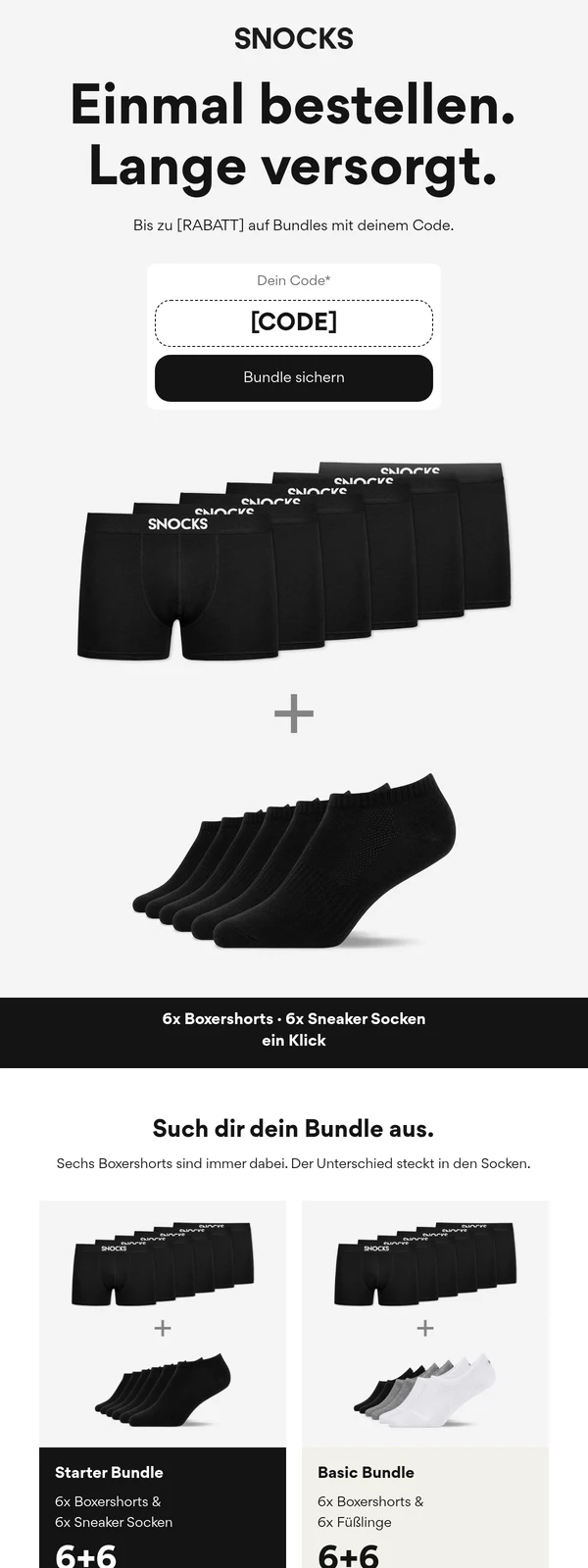
02Campaigns
One prompt builds a whole campaign.
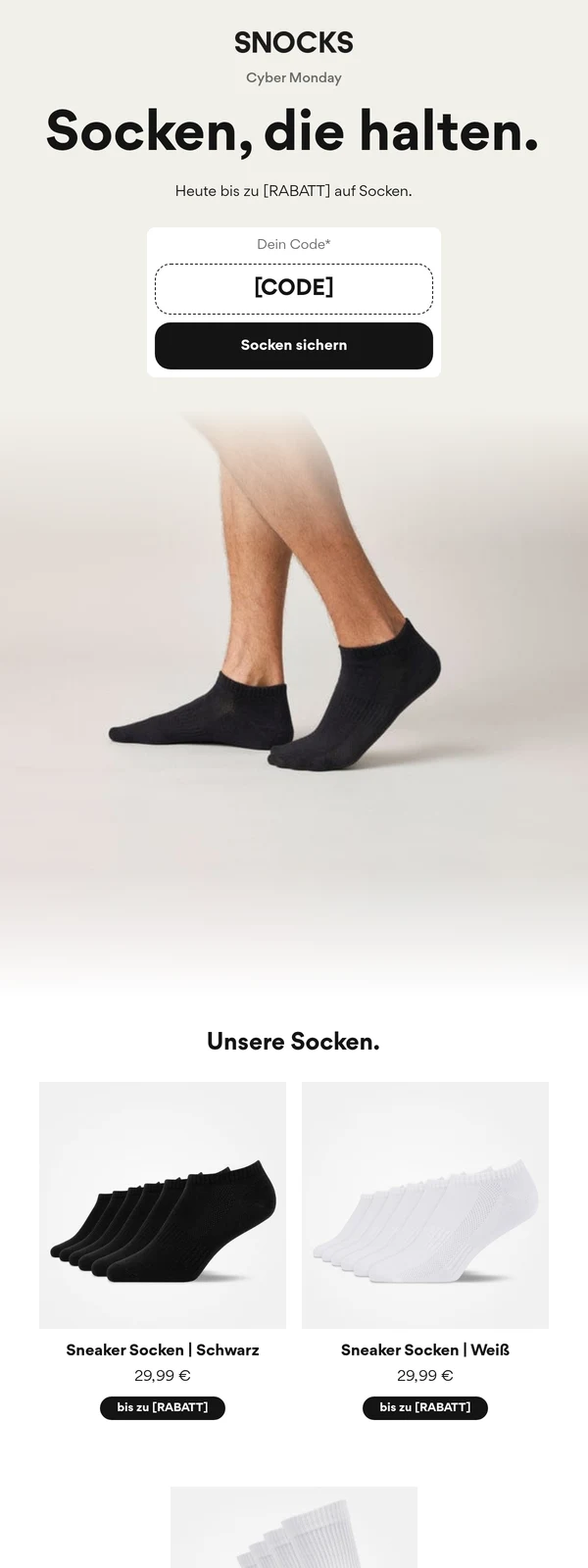
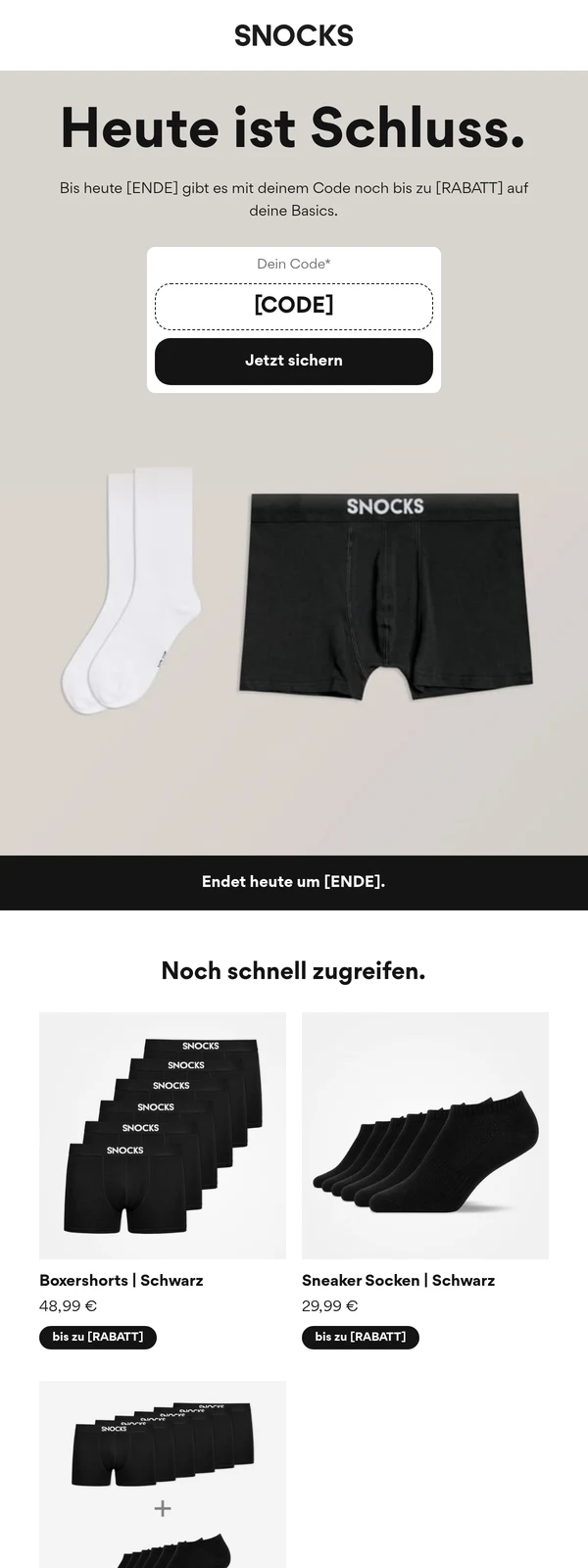
03Segments
The right email for every segment.
From one brief, the agent builds the right version for every audience.
Countdown to launch
Bundles to restock
Last chance
04Languages
Every language in one click.
The layout stays, only the copy changes.
DEENFRNL
PAWSOME
Willkommenim Rudel.
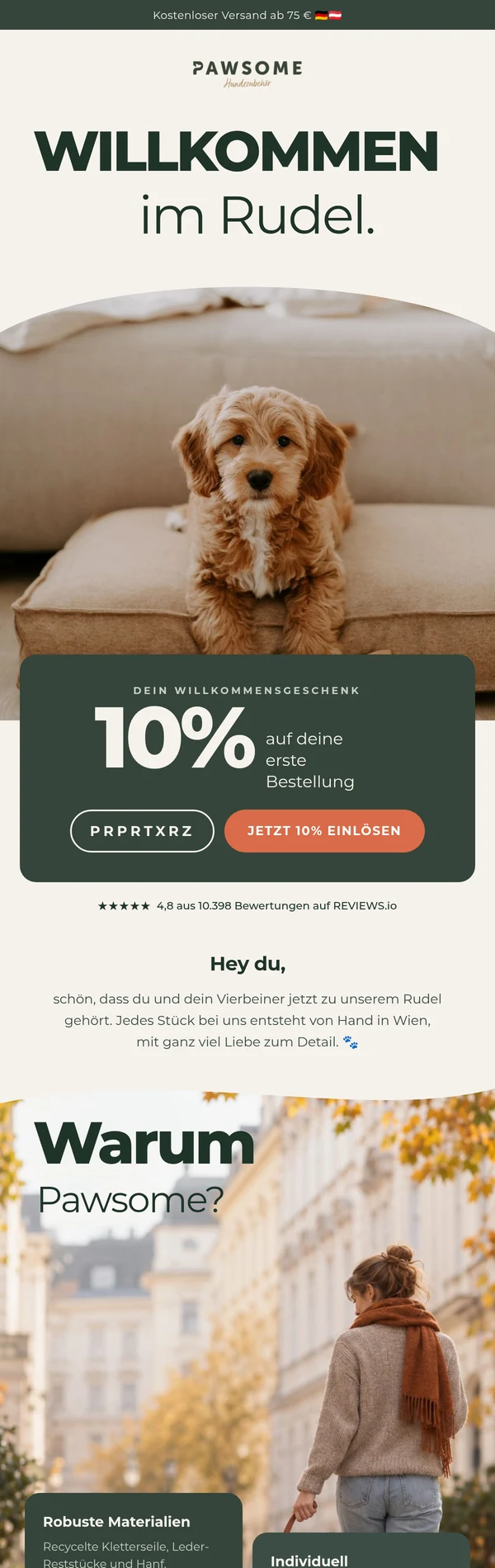
Dein Willkommensgeschenk10 %auf deine erste Bestellung
Jetzt 10 % einlösenPAWSOME
Welcometo the pack.
Your welcome gift10%on your first order
Redeem 10% nowPAWSOME
Bienvenuedans la meute.
Ton cadeau de bienvenue10 %sur ta première commande
J'en profitePAWSOME
Welkomin de roedel.
Je welkomstcadeau10%op je eerste bestelling
Nu 10% verzilveren05Editor and sign‑off
Your team designs like in Figma.Your client approves by link.
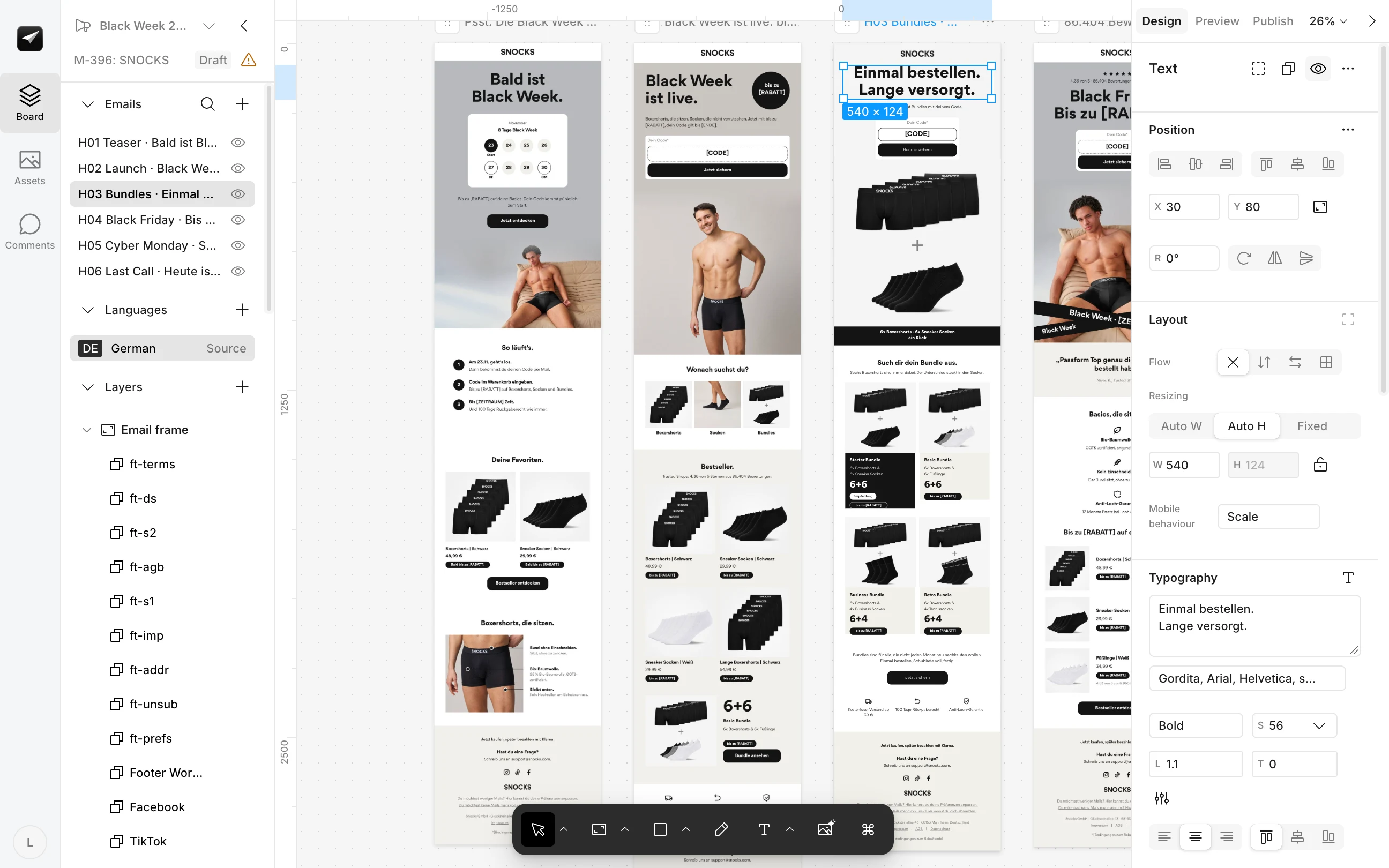
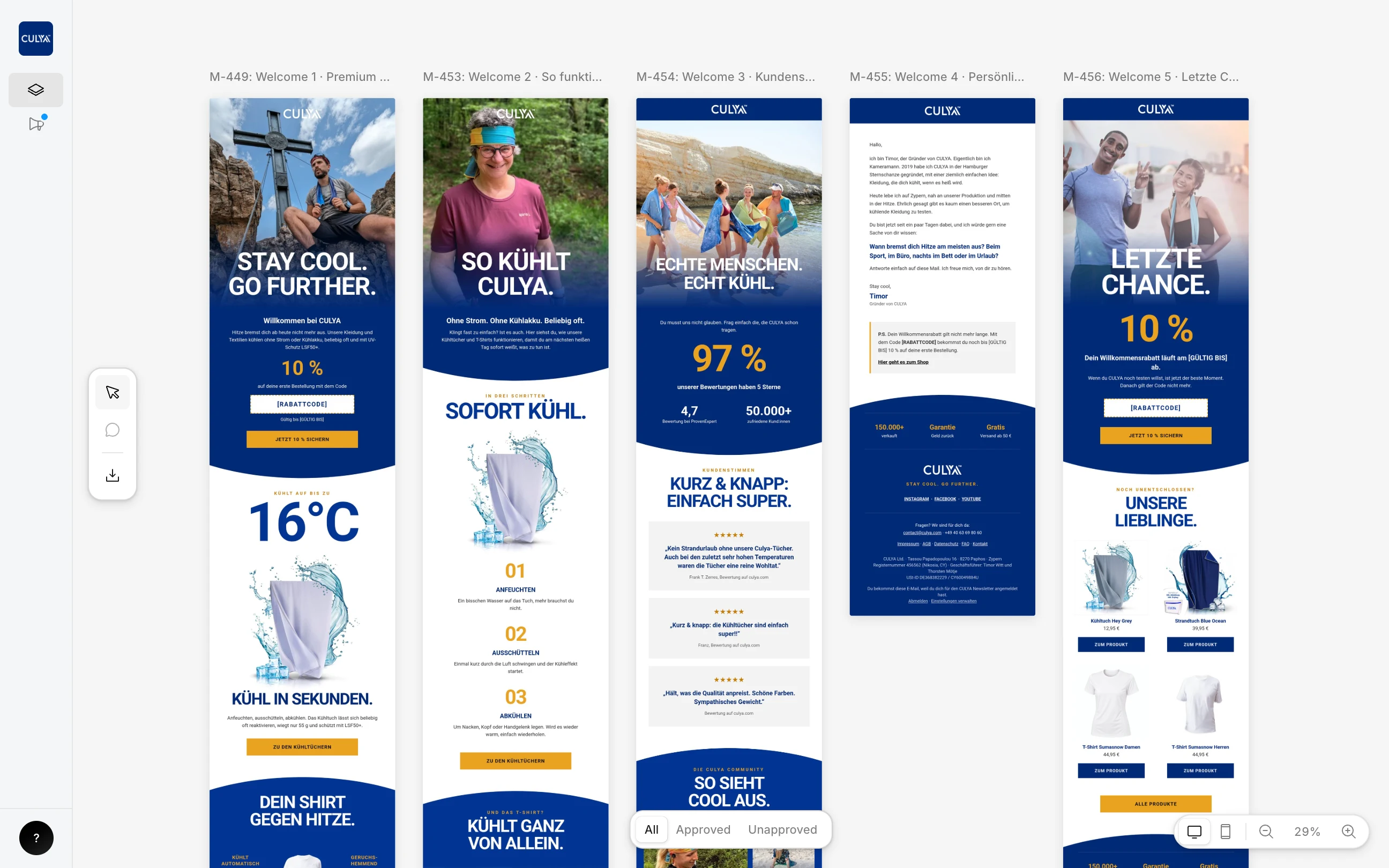
ClientCould the button be a bit bigger?
Approved
06QA
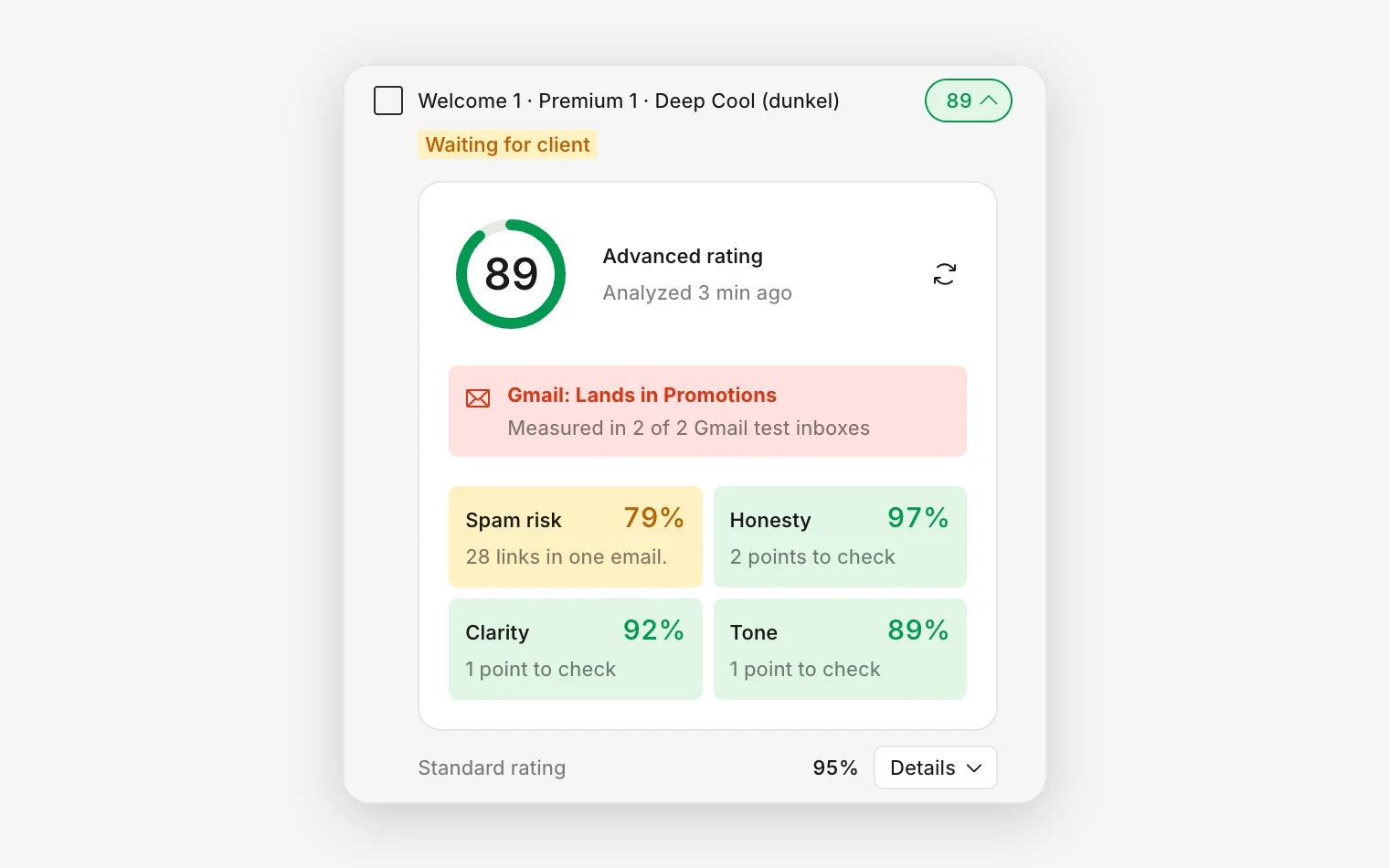
Every email is checked first.
- Spam risk
- Honesty
- Clarity and tone
07Publishing
One click, and it lands in your email platform.
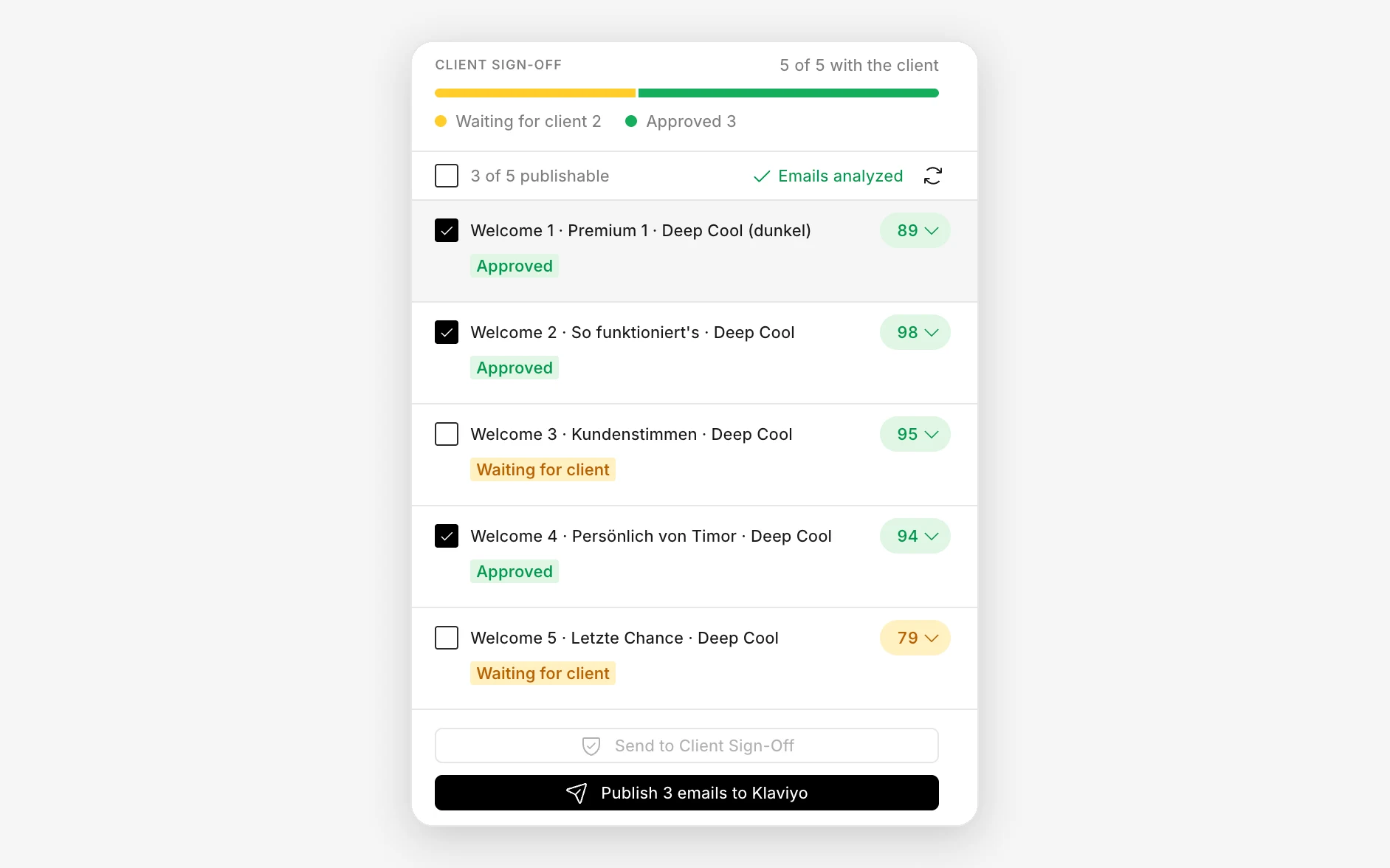
 Klaviyo
 Mailchimp
 SAP Emarsys
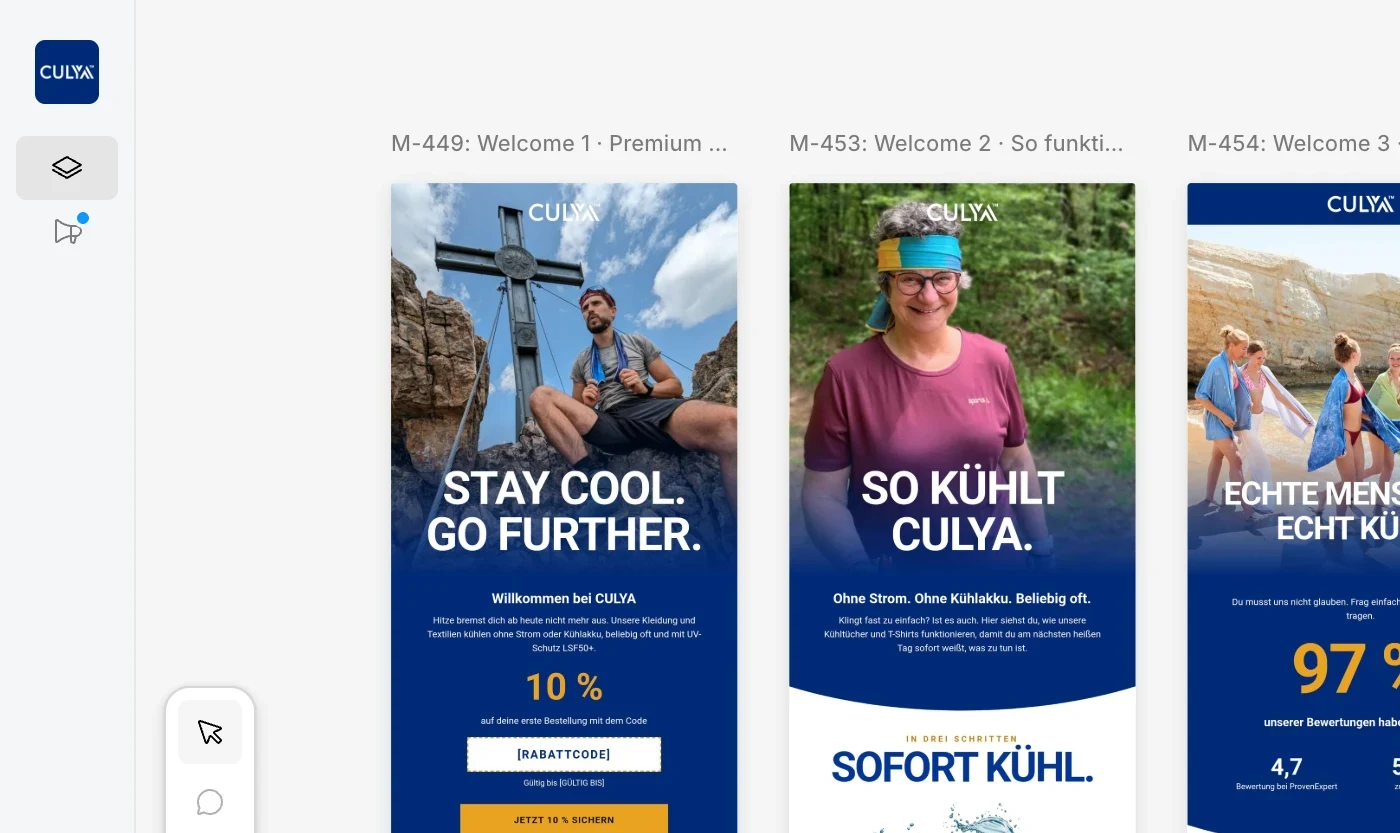
Welcome 1Template
Welcome 2Template
Welcome 4Template
The difference
Today a campaign takes the whole week. With mayland.ai it's done by Monday.
Today1 weekEvery step is done by hand, in six different tools.
Cut out imagesLayout in FigmaCopy pricesCopy and subjectSet up languagesCollect feedbackBuild in the email toolTest and hopeWith mayland.aiMondayYou write one message and approve.
Mon, morning5 emails in 3 languages and 10 B variants are ready.
The rest of the week is free for the next campaign.
Features
What's inside mayland.ai.
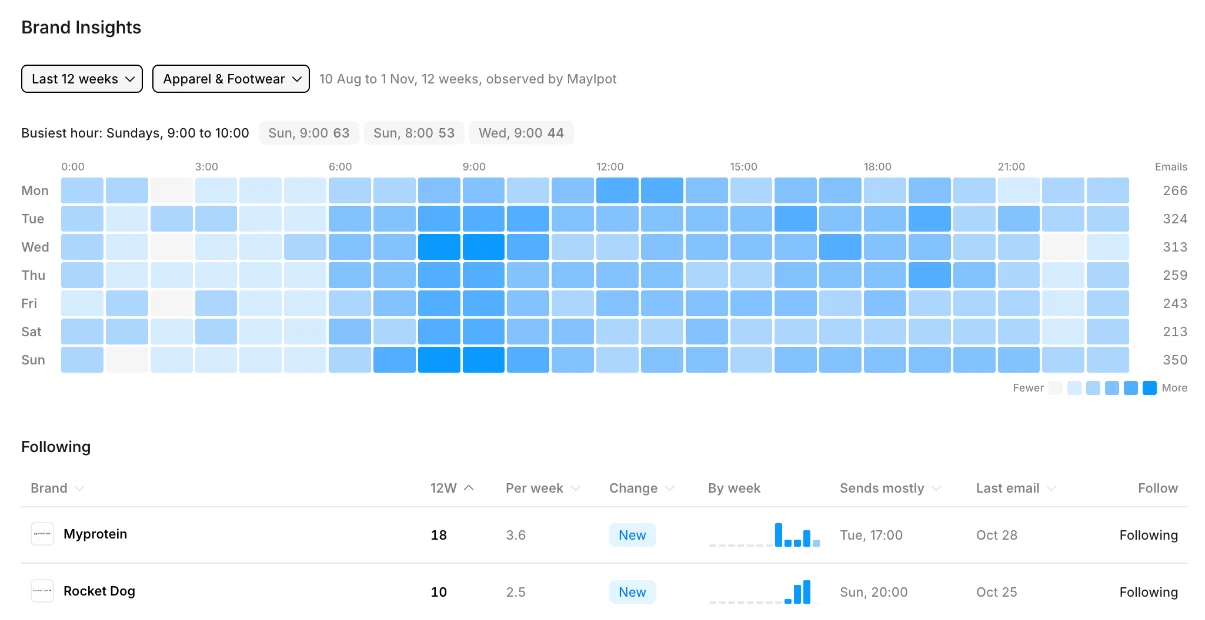
From your brand kit to your email platform: everything your team and your agent work with.
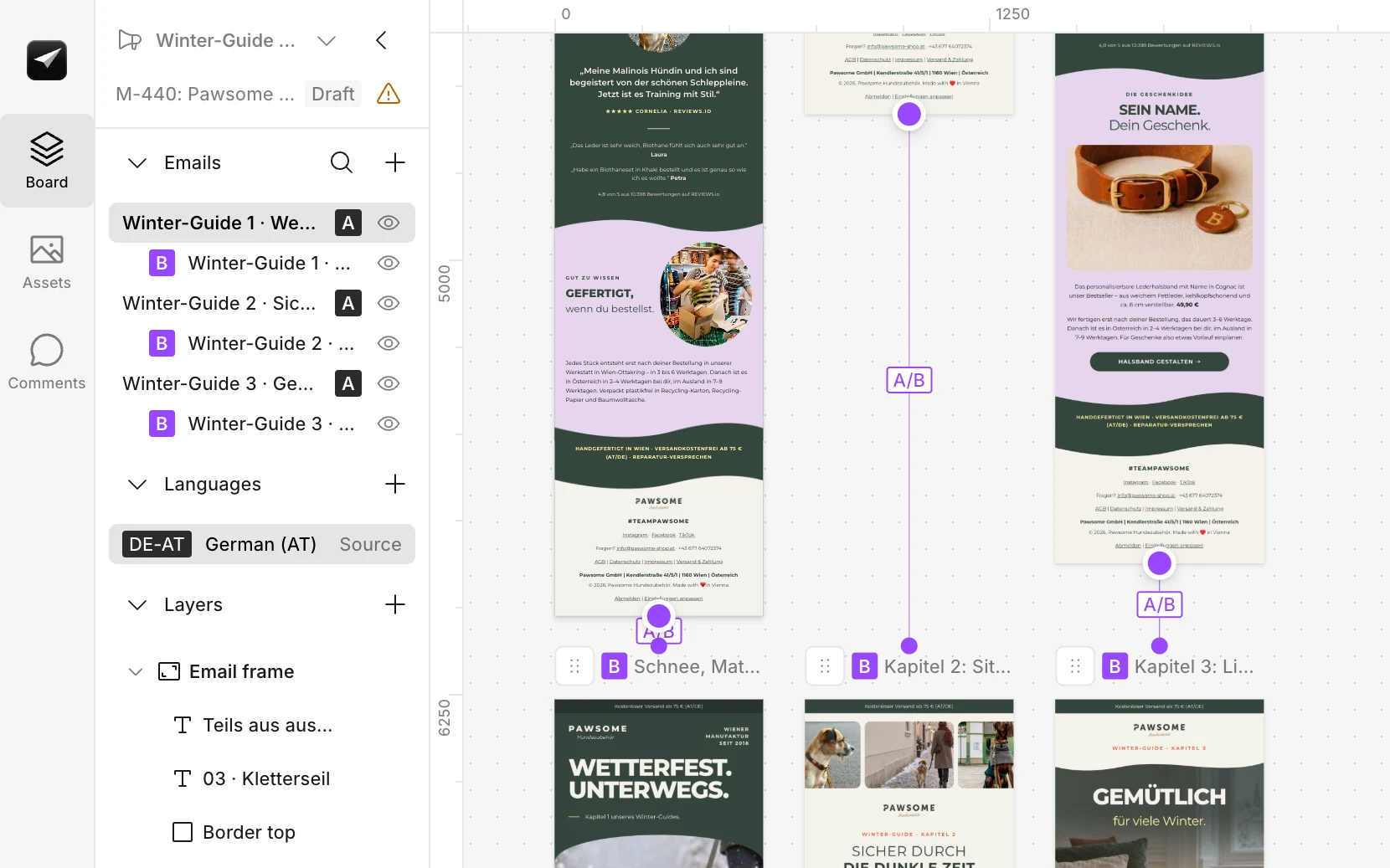
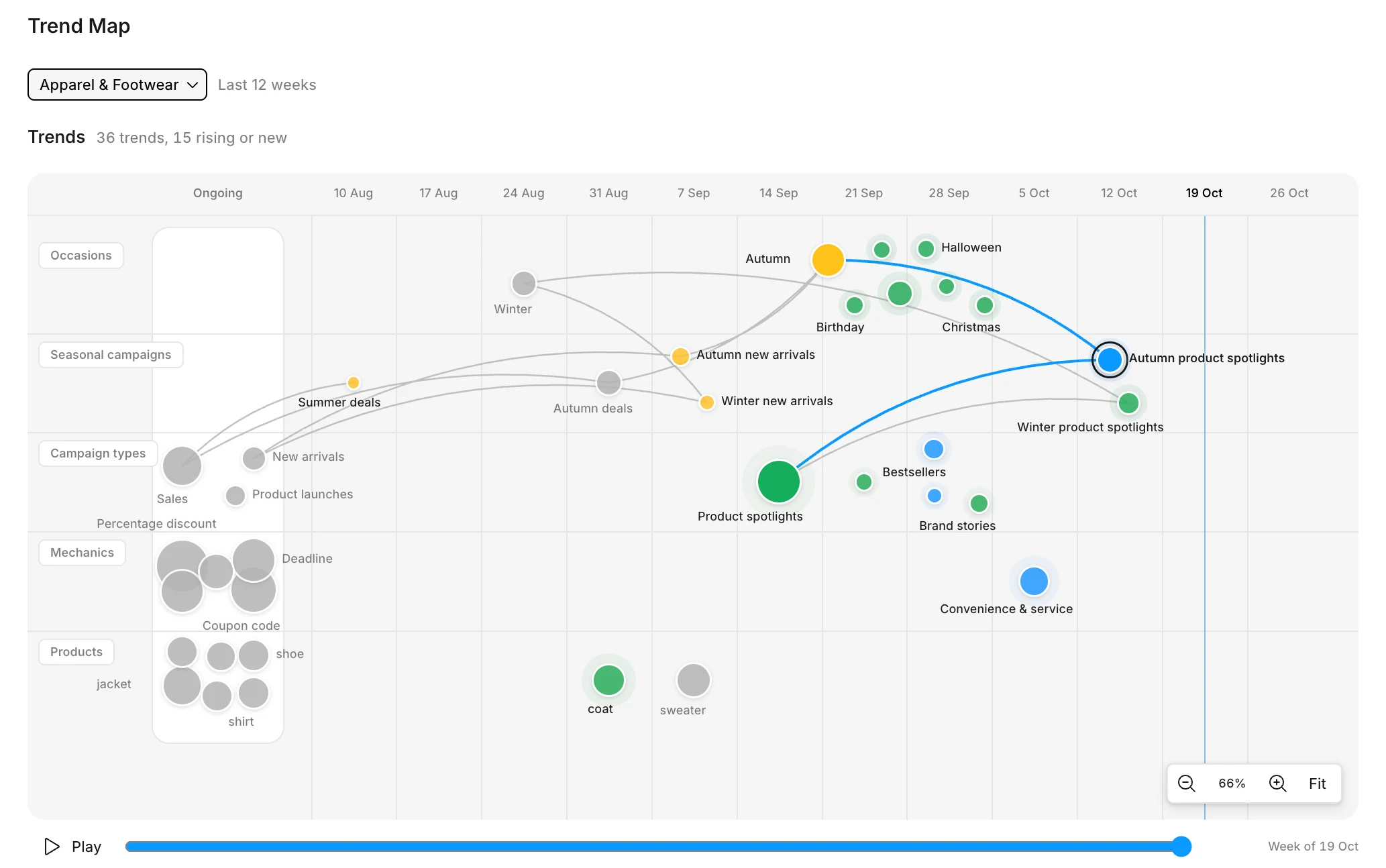
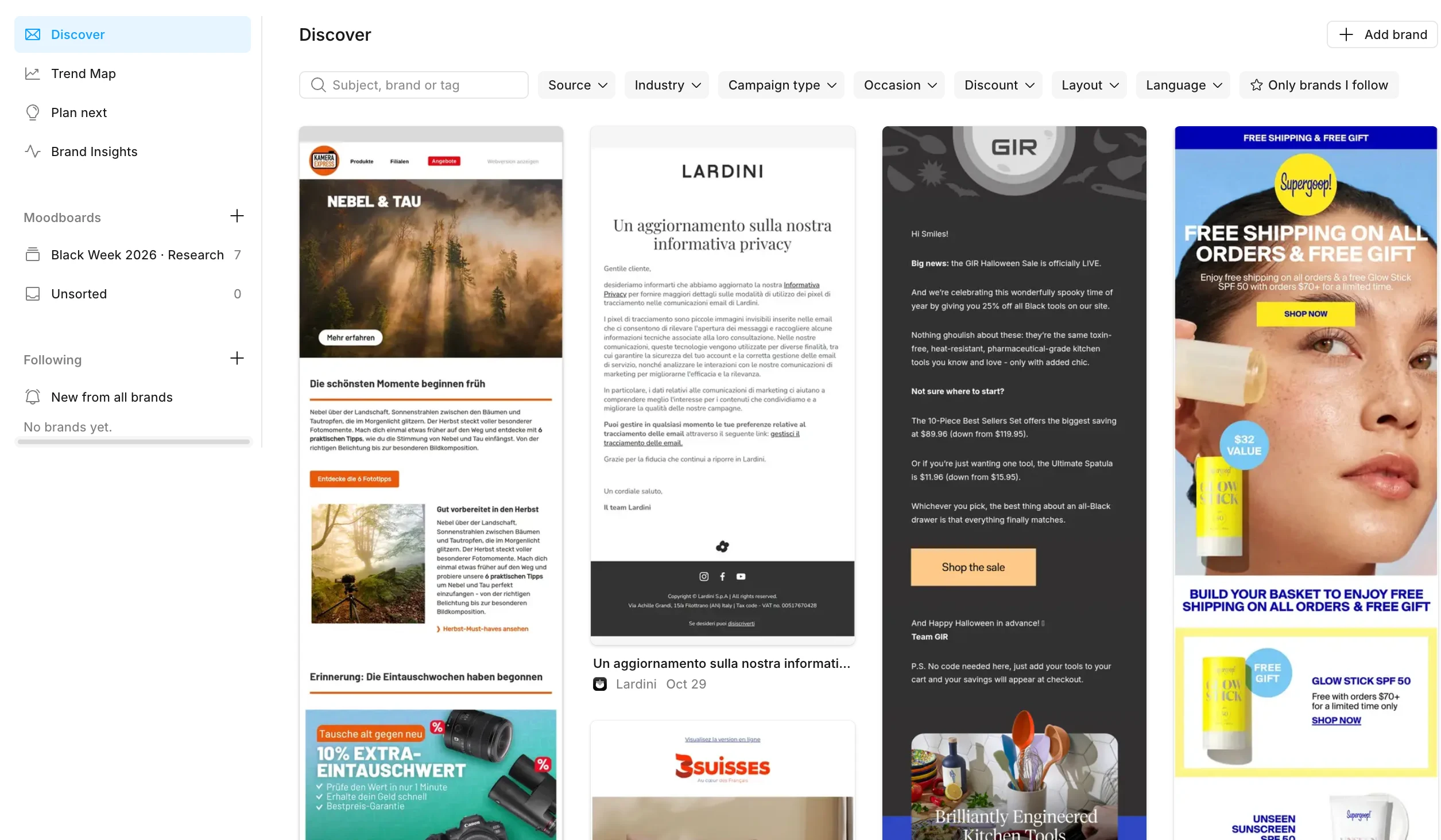
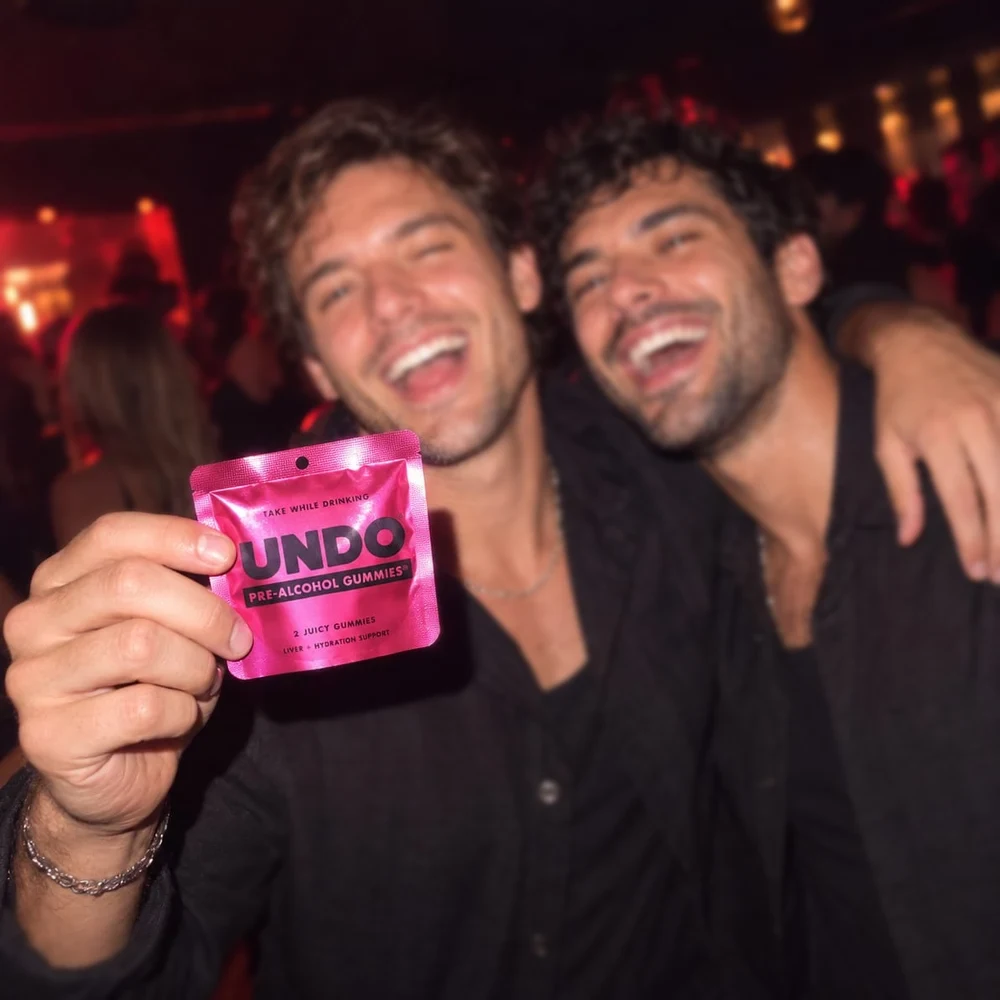 AI‑generated
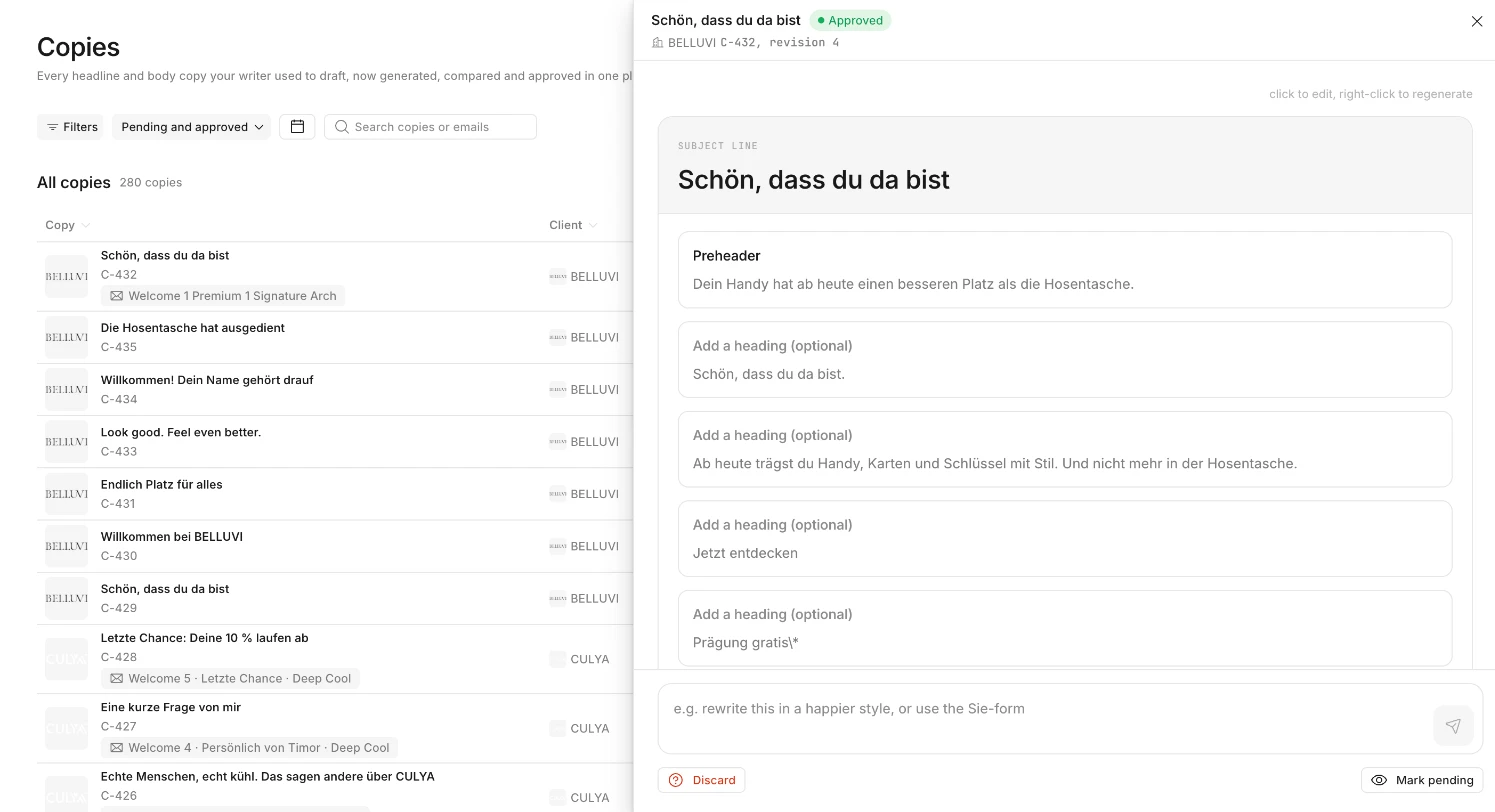

FAQ
What you're wondering.
Do we need Claude or Codex?
Yes. To work with mayland.ai efficiently, you need an AI agent like Claude or Codex, where mayland.ai is added as a connector: add the address, sign in, done. Reviewing, editing, client sign‑off and publishing happen in mayland.ai itself.
Never worked with Claude or Codex?
No problem. We set it up with you in the demo.
Can we change everything?
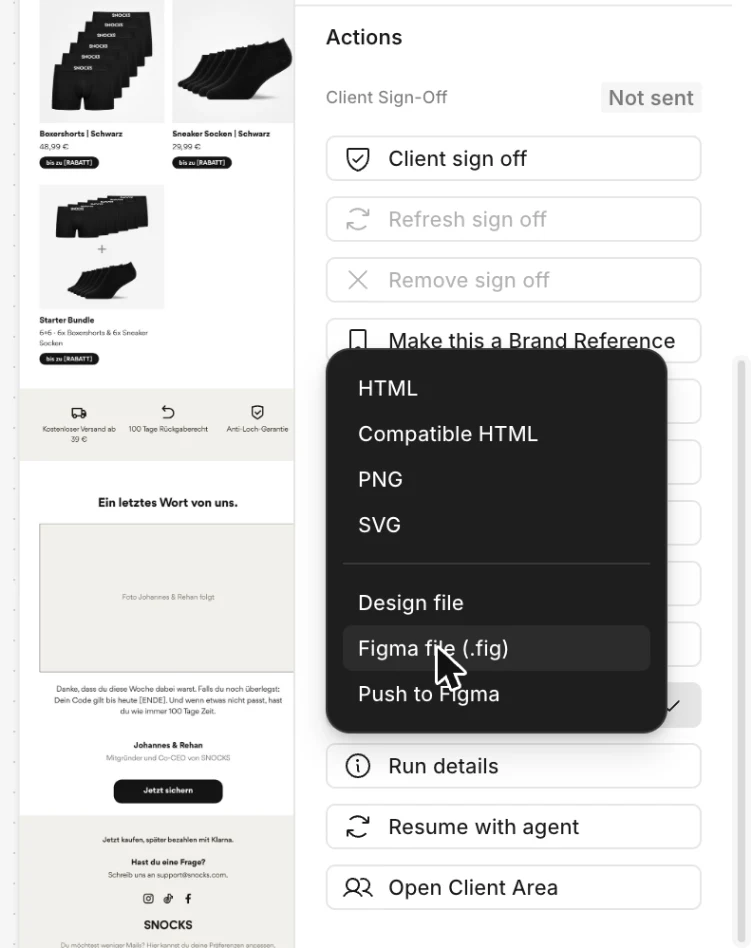
Yes. You edit every email like in Figma. What you approve, the agent remembers for the next one.
Will every email look the same?
No. The agent does not fill fixed templates. The design comes from each brand's site and past emails, and every campaign is checked for emails that look too alike.
Does it work for flows?
Yes. Welcome, abandoned cart, browse and winback emails are built the same way. The flow logic stays in your email platform.
Do you have cases with better conversion?
Yes. Our customers see a higher conversion rate with emails built in mayland.ai. In the demo we show you what that could look like for your own brand.
Which email platforms do you support?
Klaviyo, Mailchimp and SAP Emarsys. Approved emails land there in every language you send in.
Does mayland.ai send emails?
No. A person always publishes to your email platform, and it sends. You can also download HTML, PNG, PDF or a Figma file.
Guided mode or YOLO mode?
Your choice for every campaign. In guided mode the agent first asks what decides the email: the goal, the offer, the products and the references. In YOLO mode it starts right away from your brief and the brand context, and you steer on the board.
What is Maylpot?
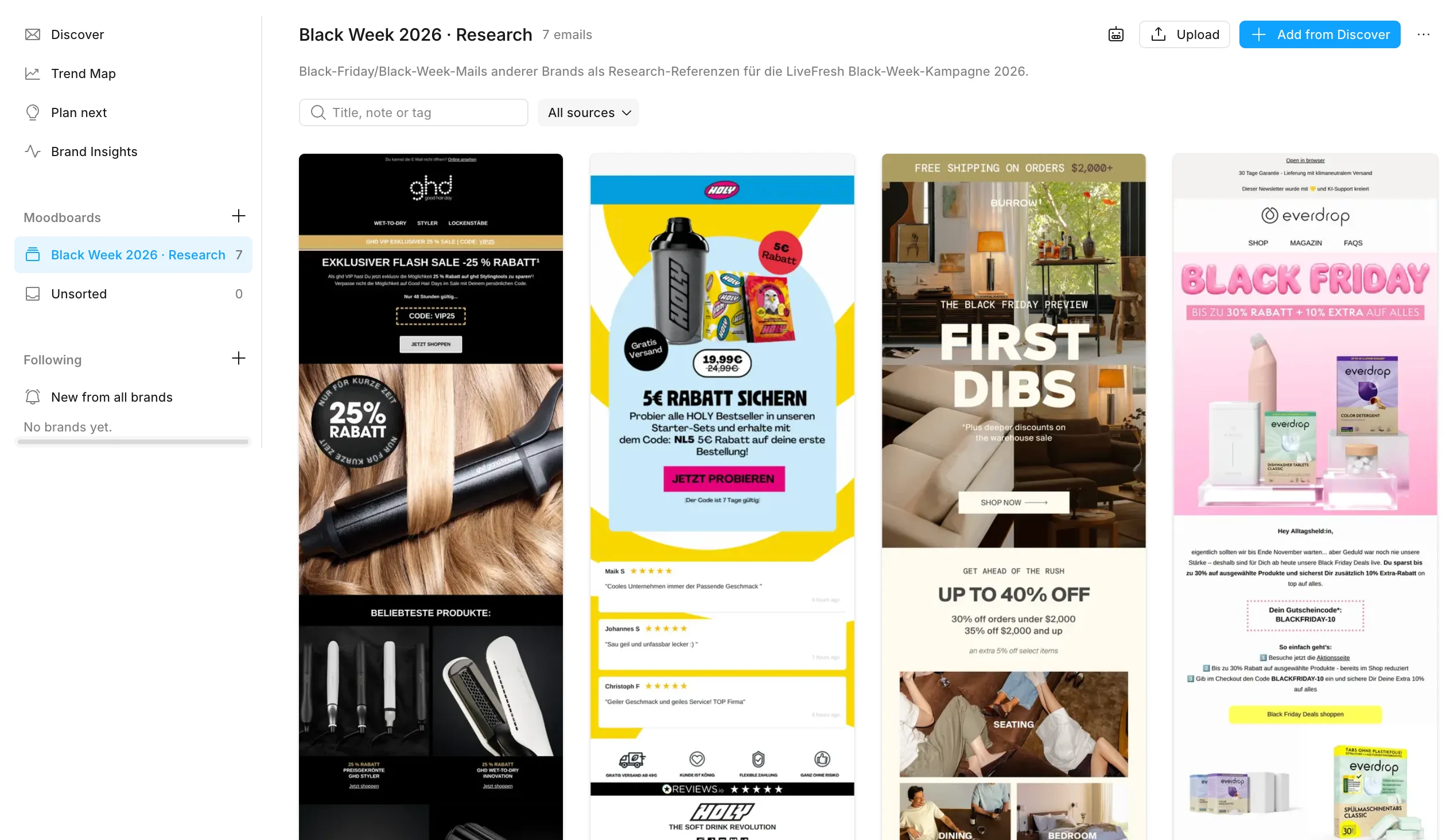
Our own archive: Maylpot collects the newsletters of over 10,000 brands worldwide and keeps every email with an analysis of its campaign type, occasion, offer, tone and layout. Research, Brand Insights, the Trend Map and your agent all draw on it.
Is mayland.ai for brands or agencies?
Both. Brands that run CRM on their own get the design without an agency fee for every email. Agencies without designers keep every brand's look in one workspace and get client sign‑off by link.
How is our data protected?
Your data is stored in the EU, at Hetzner in Germany and Supabase in Ireland. Every brand is kept separate, the agent never carries one brand's preferences over to another, and for your customers' data we sign a data processing agreement with you.
How do we get access?
mayland.ai is an exclusive product for selected partners, and we hand‑pick our customers. Book a demo to apply.